Topic 01 · Digital frames
Find the Right Display
A screen that hangs on a wall is furniture first and technology second. Choosing well means looking past resolution figures toward surface, scale, edge and the way the display behaves when the light fades.
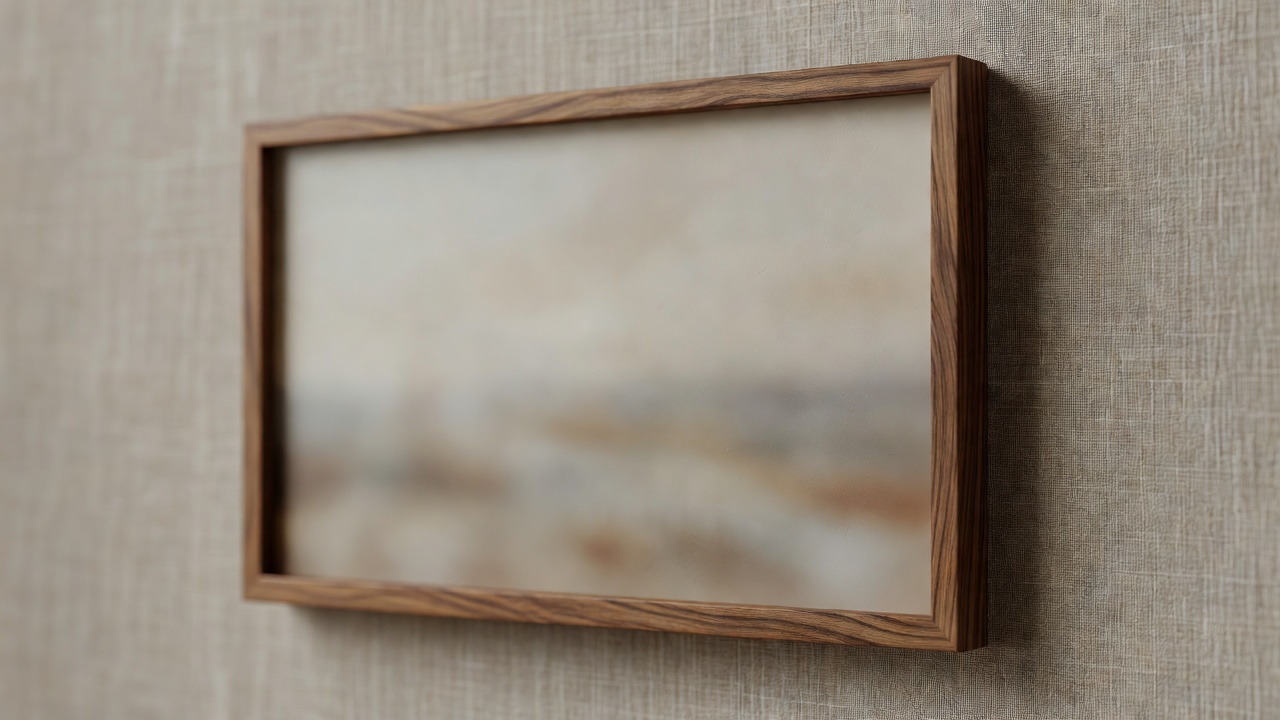
Surface
Start with how it meets the light
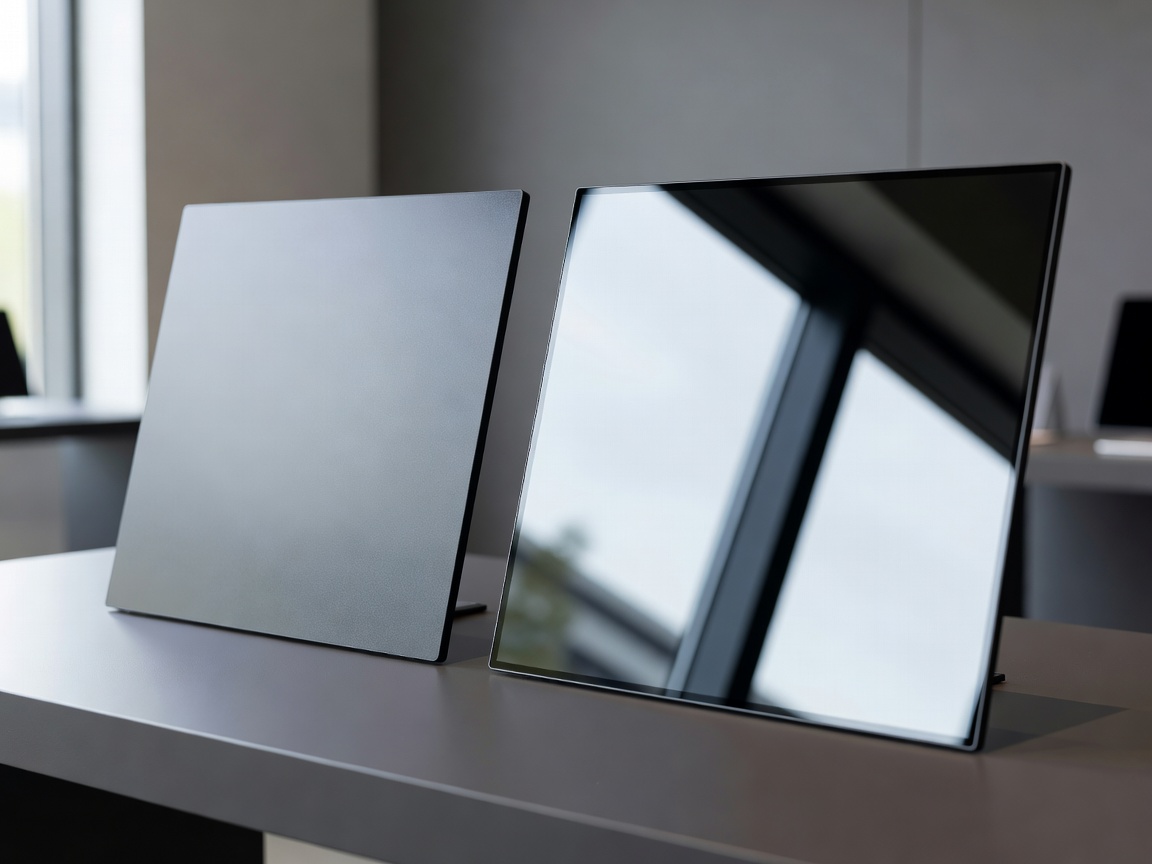
The single most important decision is the finish of the panel. Glossy screens show deep blacks and saturated colour in a dim room, but they also mirror every lamp, window and passing figure. A painting never does that, which is why glossy displays so often look like televisions that have wandered onto the wrong wall.
Matte anti-reflective panels, such as the finish Samsung introduced on later versions of The Frame, scatter incoming light. Contrast drops a little, but the image gains the soft, paper-like quality that makes it believable as artwork. Try a simple test before buying: stand where you sit most often, at around four in the afternoon, and notice what a phone screen reflects from that spot. The display will reflect the same things, only larger.
Brightness deserves the same restraint. Art reads best when the screen sits close to the brightness of the surrounding wall. A panel pushing several hundred nits in a dim room looks like a lit window; one that follows an ambient light sensor looks like a print under a picture light.
Scale
Scale, distance and orientation
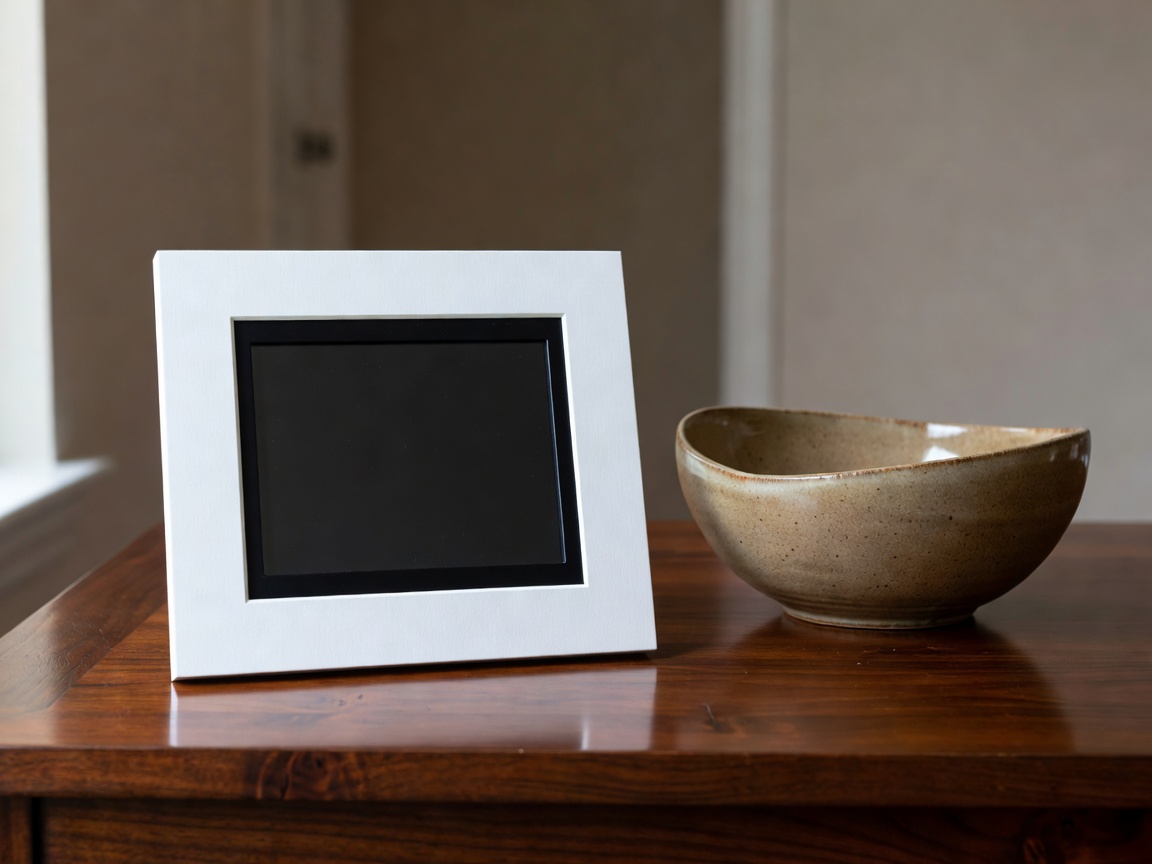
Size follows viewing distance. As a rough guide, a wall seen from three metres across a living room carries a 43 to 55 inch art display comfortably, especially above a sideboard or console. A 10 to 15 inch frame belongs on a shelf, desk or hallway table, read from arm's length to a metre and a half.
Aspect ratio matters more than many shoppers expect. Most televisions are 16:9, while a large share of paintings are portrait and much photography is 3:2. Any mismatch means cropping or letterboxing. A 4:3 or 3:2 panel crops less for mixed collections, and a mount that allows portrait orientation keeps tall works intact. Digital mats — a plain border generated around the image — help an artwork sit inside a wide screen with dignity rather than being stretched edge to edge.
Trade-offs
Five ways to put art on a screen
No category is perfect. This table sets out what each type does well and what to watch for in a lived-in room. Brand names are examples only; we have no commercial relationship with any of them.
| Display type | Typical examples | Best for | Watch for |
|---|---|---|---|
| Art-mode television | Samsung The Frame, Hisense CanvasTV | Living rooms where one wall must hold both film and art | 16:9 cropping, power box placement, TV menus creeping into art time |
| Dedicated art canvas | Netgear Meural Canvas II | Mixed portrait and landscape collections | Account requirements, service changes over time |
| Photo frame | Aura, Nixplay | Family photographs on shelves and desks | Small size, glossy panels, constant new uploads |
| Colour e-paper panel | Various independent makers | Studies and bedrooms where glow is unwelcome | Muted colour range, slow refresh, limited sizes |
| Short-throw projector | Laser projectors on a low console | Occasional full-wall ambient pieces | Fan noise, washed-out daylight images, shadows when walking past |
Specification rows
Edges, mounting and the small things
- BezelSwappable oak, teak or white surrounds help a screen join printed frames. A slightly deeper edge casts a shadow and reads as an object.
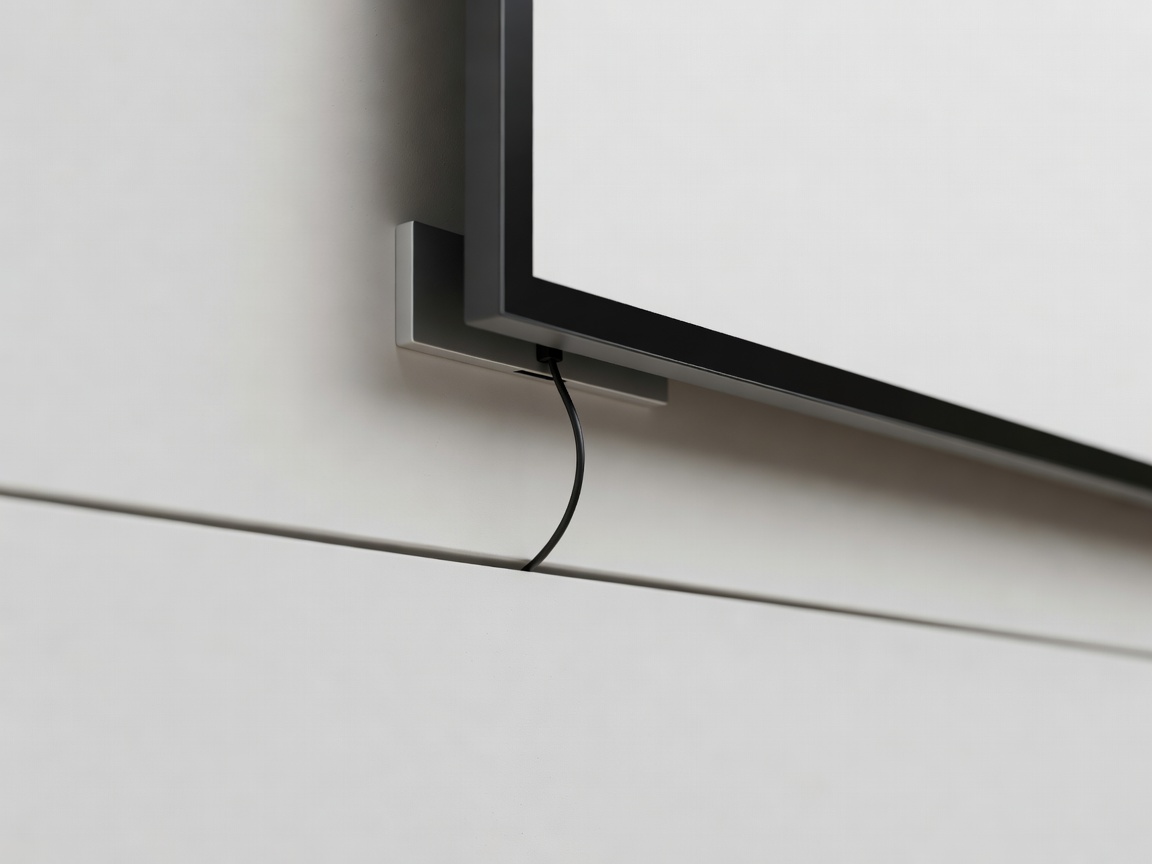
- DepthFlush or "no-gap" mounts keep the panel within about 2.5 cm of the wall, close to a framed canvas.
- VESA patternCheck the 100 × 100, 200 × 200 or 300 × 300 mm pattern so a slim third-party mount will fit.
- PowerAn external power box with one thin cable is easier to hide than a thick mains lead.
- ControlsA physical button for sleep and next image saves reaching for a phone every evening.
The long view
Accounts, apps and privacy
Many frames ask you to create a cloud account before showing a single image. That can be convenient for sharing family photographs, but it also means your pictures live on someone else's server and the frame may depend on a service that can change its terms, add a subscription or close. Before buying, look for local options: USB sticks, memory cards, or uploads over your own network.
Read what the frame collects. Some log which images are shown and for how long; a few include microphones for voice assistants. If you would not want a stranger reading that information, look for a model that works offline or let it sit on a separate guest network.
Finally, consider colour. Few home displays can be calibrated, but an "art" or "warm" picture preset close to the sRGB standard will keep skin tones and paint colours believable. Avoid vivid or dynamic modes; they are designed for shop floors, not sitting rooms.
Next step: once you have a shortlist, measure the wall, mark the centreline and check the light at three times of day. Our wall planning guide walks through it.